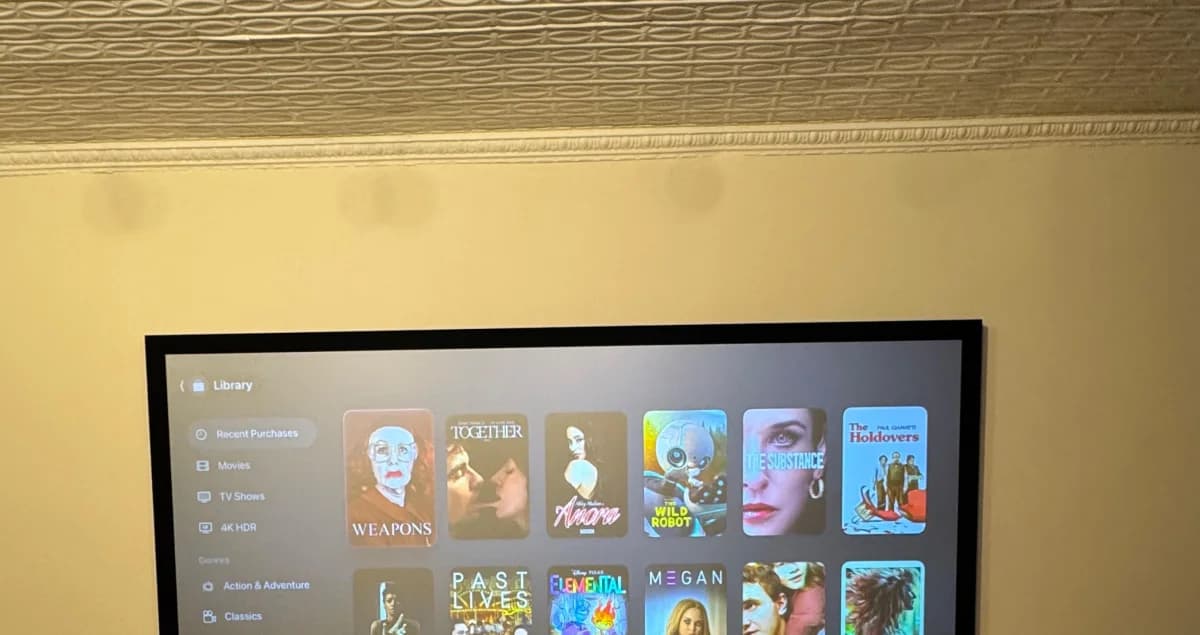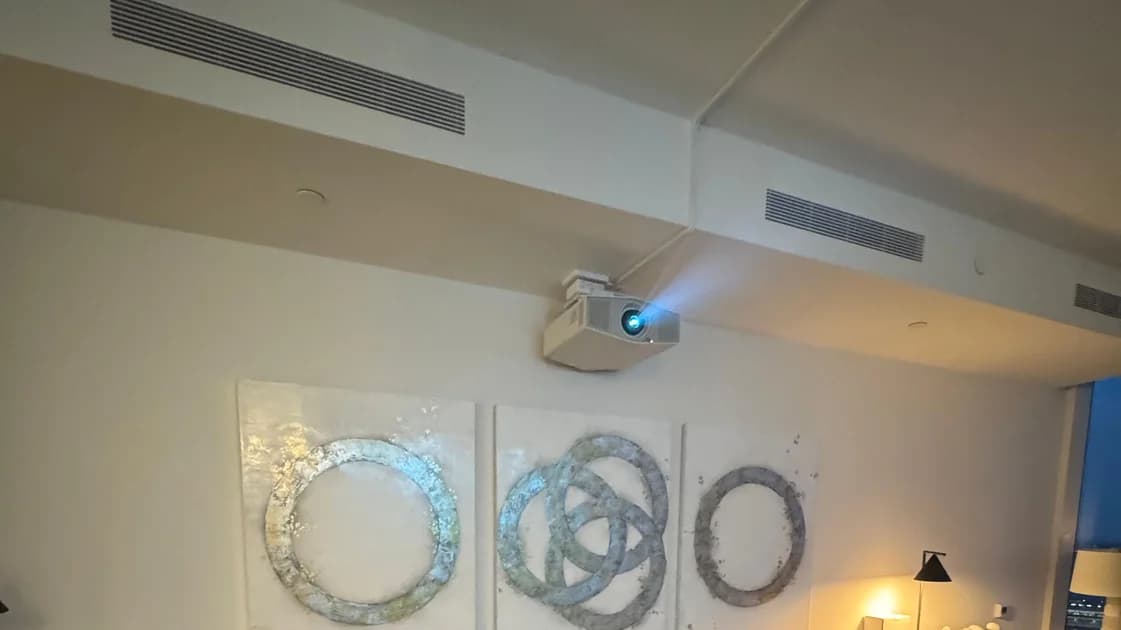
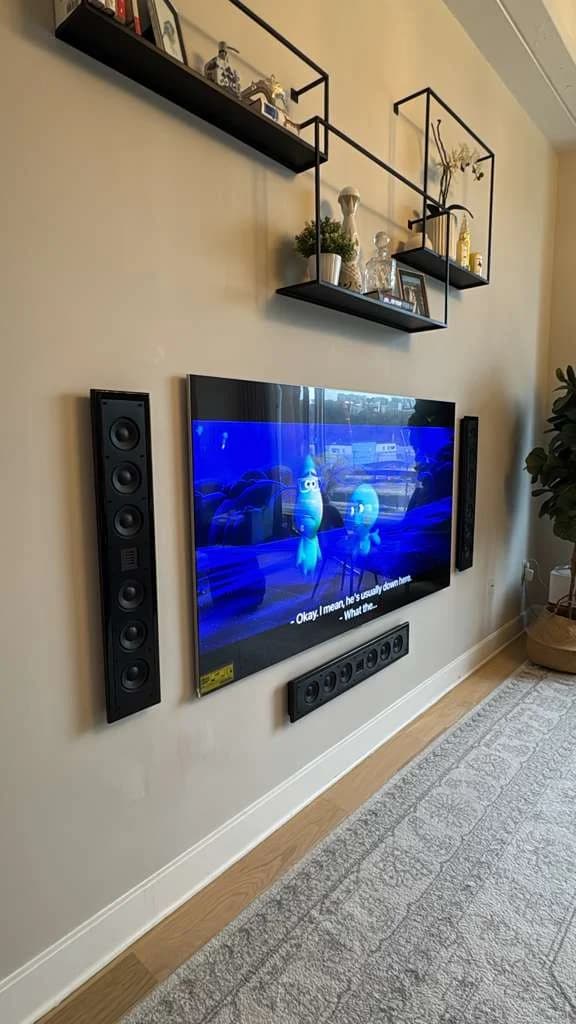

Owners on Reddit say it works for rear surrounds, as long as the kit matches powered or passive speakers. Read what owners say ↓
What owners on Reddit say
"I got rid of carpet so there goes the speaker wires. Now I need to make my surrounds wireless. I don't want a soundbar. Even my old Denon AVR and old speakers sound better than any soundbar kit so I'm trying to make my surrounds wireless instead." — one owner, r/hometheater (thread)
"Actually, they make high level to rca adapters. I have them in a setup just like OP asked about. Wireless kit to mini amp for rears. Works like a champ for me." — one owner, r/hometheater (thread)
"You cannot use a wireless kit that uses RCA unless you're using powered speakers. If you're using passive speakers you need the rocketfish kit." — one commenter, r/hometheater (thread)
It can work. The right kit depends on whether your speakers are powered or passive.
Who needs this? Anyone adding surround sound in a NYC apartment where running cable across the floor isn't an option — especially for rear surround speakers.
This guide covers how wireless kits work, passive vs. powered speakers, the NYC renter angle, and a step-by-step install.
Want this handled by a pro? Book an installation or see our home theater installation service — complete systems from $10,000.
On this page
Can you actually convert wired speakers to wireless?
Yes — and it's one of the most common questions we get from NYC clients. The honest answer is that "wireless" means the audio signal travels without a long cable. You're getting rid of the wire that runs across your floor or up your wall. The power stays.
Every speaker needs electricity to make sound. That doesn't go away. What changes is the signal path — instead of a 20-foot wire from your receiver to the back of the room, you send it through the air.
Understanding this up front saves a lot of disappointment. Most online guides skip it.
How wireless speaker kits work
A wireless speaker kit is a transmitter and receiver pair. Here's the flow:
- The transmitter sits next to your AV receiver. You plug your surround speaker outputs into it.
- The transmitter sends the audio signal across the room wirelessly.
- The receiver box sits near your speakers, catches the signal, and feeds it to the speakers with a short wire.
That's the whole trick. You've replaced a long cable run with a short hop of wireless signal. The only speaker wire left is the foot or two from the receiver box to each speaker.
Not sure which kit fits your setup? Our recommendations tool steers you toward the right gear.
Powered vs. passive speakers — why it changes everything
Most home theater surround speakers are passive — they have no built-in amp. They rely on the amplifier in your AV receiver, which is exactly what the long speaker wire was carrying. This is the most important thing to understand before buying a kit.
| Speaker type | Has built-in amp? | What you need | Extra outlet? |
|---|---|---|---|
| Powered (active) | Yes | Transmitter/receiver pair only | Already plugged in |
| Passive | No | Kit with built-in amp in the receiver box | Yes — receiver box needs an outlet |
The practical question for passive speakers: is there a wall outlet near where the rear speakers will go? If yes, wireless works cleanly. If no, you'd need an extension cord — which might be worse than the cable you were trying to avoid.
Making rear surround speakers wireless
Rear surrounds are the #1 reason people want to go wireless. Your receiver lives up front by the TV, but the surround speakers need to be behind the couch. That's a lot of floor to cross.
Here's the clean approach:
- Put the transmitter next to your AV receiver and connect the surround outputs to it.
- Put the receiver box near the couch, close to a wall outlet.
- Run a short speaker wire from the box to each rear speaker — a couple of feet instead of twenty.
No cable crossing the room. No tripping hazard. The only wires left are short ones near each speaker and the box's power cord, which tucks easily behind furniture.
If you want this as part of a full surround layout, our home theater installation service covers speaker placement, wiring, and calibration. We also cover multi-speaker layouts in our Dolby Atmos guide.
Signal, range, and latency
Three things matter once you've chosen a kit.
Signal type. Most kits use a wireless radio band. Walls and other electronics can weaken the signal. Keep a clear line between transmitter and receiver when possible.
Range. Not usually the problem in a NYC apartment — the rooms are small. The bigger issue is interference from neighboring units' routers and devices. A good kit handles this by switching channels automatically.
Latency. This is the one to watch. Latency is the tiny delay between your wired front speakers and the wireless rears. A good kit keeps this delay below what your ears can detect. A cheap one throws the rears out of sync — which sounds worse than no surround at all. Many AV receivers let you add a small matching delay to the front channels during calibration. We set this during a professional install so everything lines up.
The NYC apartment angle
Wireless conversion is a New York renter's best friend. The alternative — running wire through walls — has real limits here.
Renters. Going wireless means zero holes in the wall. When you move, you unplug and take it. No patching, no security-deposit drama.
Co-ops and condos. Many buildings restrict wall alterations and require board approval for structural work. A wireless kit sidesteps all of that — you're plugging into existing outlets, not opening walls.
Wall types. In-wall cable routing only works cleanly in drywall. Plaster, brick, and concrete — common in older NYC buildings — don't allow wire fishing. In all three, wireless is often the smarter path.
Hiding power cords. Since every wireless speaker still needs power, the goal becomes hiding short power cords instead of long signal cables. Position the receiver box behind a couch or bookshelf near an outlet and one power cord disappears easily. If you have a soundbar up front, our soundbar mounting guide and soundbar mounting service cover clean cable management there too.
Step-by-step: how to make your speakers wireless
-
Identify your speakers. Are they powered (have a power cord) or passive (just speaker-wire terminals)? This decides which kit you buy. Our recommendations tool can help.
-
Choose the right kit. Passive speakers need a kit whose receiver box has a built-in amp. Powered speakers need a simpler transmitter/receiver pair. See recommendations for current picks.
-
Connect the transmitter. Plug the surround outputs from your AV receiver into the transmitter. Plug the transmitter into power.
-
Place and power the receiver box. Set it near the speakers, within reach of a wall outlet. Plug it in.
-
Connect short speaker wire. Run a short wire from the receiver box to each speaker. This is the only signal wire left.
-
Pair and test. Power everything on, pair per the kit's instructions, and play test audio. Confirm sound comes from the right channels and that the rears stay in sync with the fronts.
-
Calibrate. Use your AV receiver's room-correction feature to balance volume and timing across all speakers. This is what makes a wireless setup sound right, not just work.
Steps 6 and 7 are exactly where a professional install earns its keep.
When to convert vs. when to keep wires
Go wireless when:
- You rent, or your building restricts wall work.
- Your walls are plaster, brick, or concrete and you'd rather not open them up for in-wall cable.
- You only need to move one or two speakers (usually the rears) across the room.
- You want a setup you can take when you move.
Stay wired when:
- You're building a dedicated custom home theater with drywall you can route cable through cleanly.
- You need the absolute lowest latency for critical listening.
- There's no outlet anywhere near where the rear speakers need to go.
For most NYC apartments: wireless rears, wired fronts — a hybrid that's clean, renter-friendly, and sounds great.
Pricing & getting help
Our home theater installation service is a fully custom, quote-based service with equipment included, starting from $10,000 for complete builds — speaker placement, signal routing, wireless conversion, and professional calibration all handled. For simpler jobs like TV mounting or soundbar mounting, your final price depends on the services and options you choose plus the distance from Midtown Manhattan — you'll see the estimated total before you submit your booking request.
We carry general liability and umbrella insurance, so your building's management office gets the paperwork it needs. Call us at (646) 912-5050 or start your booking online.
Frequently Asked Questions
Can you convert any wired speakers to wireless?
In nearly all cases, yes. Using a wireless kit, you can send the audio signal to almost any wired speaker without a long cable run. The limiting factor is power, not the speaker itself — every speaker, and the receiver box for passive speakers, still needs an outlet nearby.
What's the difference between powered and passive speakers?
Powered (active) speakers have a built-in amp and are already plugged in — you only need a transmitter/receiver pair to send them the signal. Passive speakers have no amp of their own, so you need a kit whose receiver box includes a small built-in amp, and that box must plug into a wall outlet near the speakers.
How do I make my rear surround speakers wireless?
Put the transmitter next to your AV receiver and connect the surround outputs to it. Place the receiver box near the couch, close to a wall outlet. Run a short speaker wire from that box to each rear speaker. You replace the long cable run across your room with a wireless hop plus a couple of feet of wire near the speaker.
Will wireless speakers be out of sync with my front speakers?
A quality wireless kit keeps latency low enough that you won't notice it. Cheaper kits can introduce a noticeable lag that's worse than no surround at all. Most AV receivers also let you add a small matching delay to the front channels during calibration — something we set during a professional install to make everything line up.
Is wireless a good idea for a NYC apartment?
It's often the best option. No drilling — ideal for renters and buildings with rules about wall alterations. It also avoids running cable along plaster, brick, and concrete walls. The only wires left are short ones near each speaker plus a power cord you can hide behind furniture.
Do wireless speakers still need to be plugged in?
Yes. "Wireless" refers to the audio signal, not the power. The transmitter, the receiver box, and any powered speakers all need electricity. What you eliminate is the long speaker cable running across your floor or up your wall — not the need for power at each location.