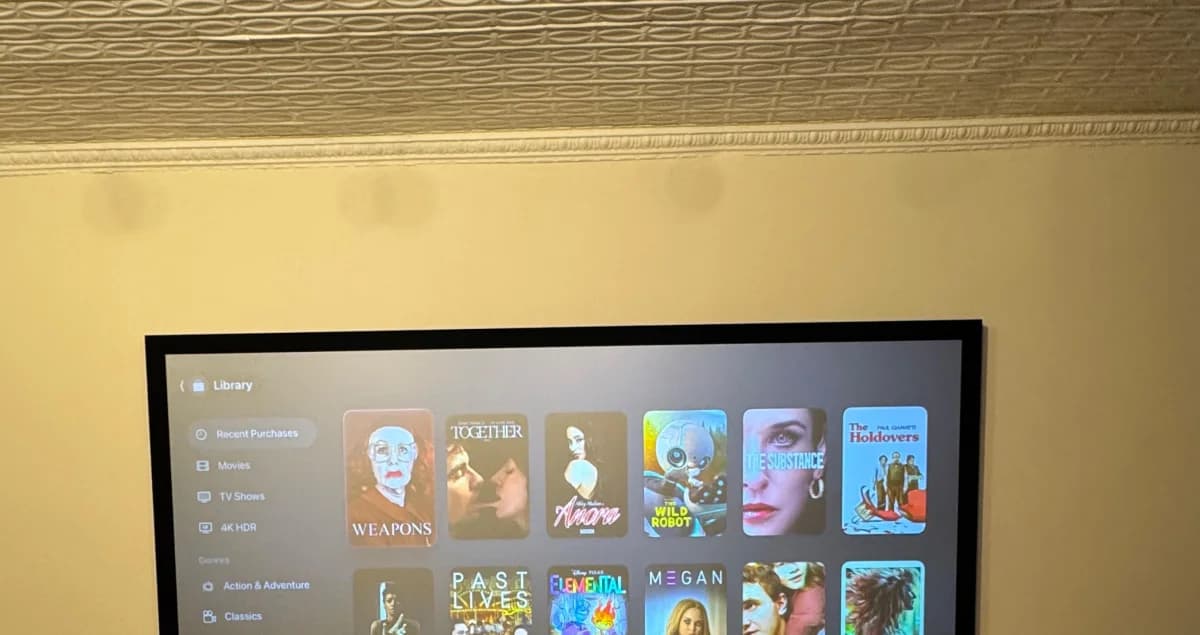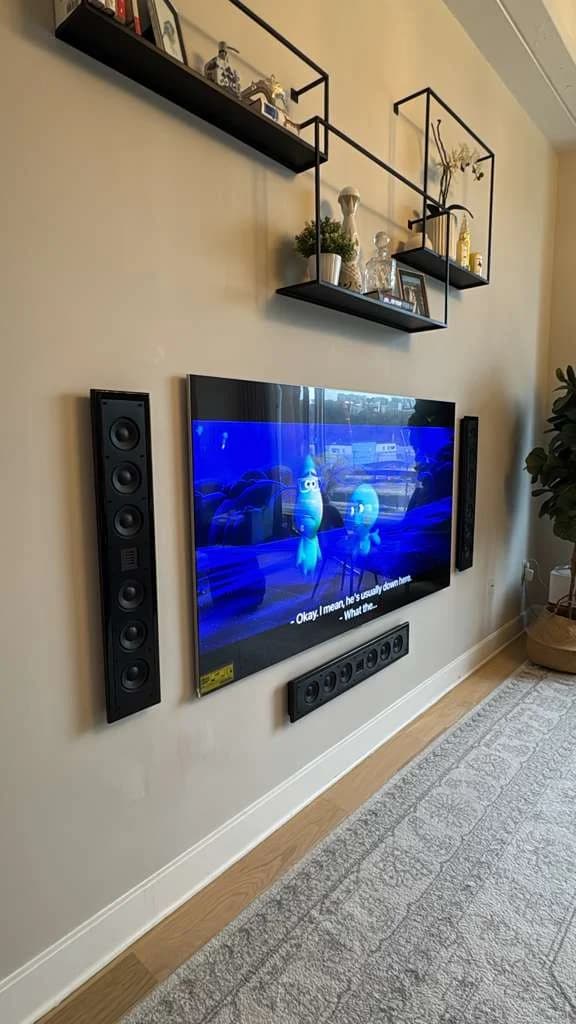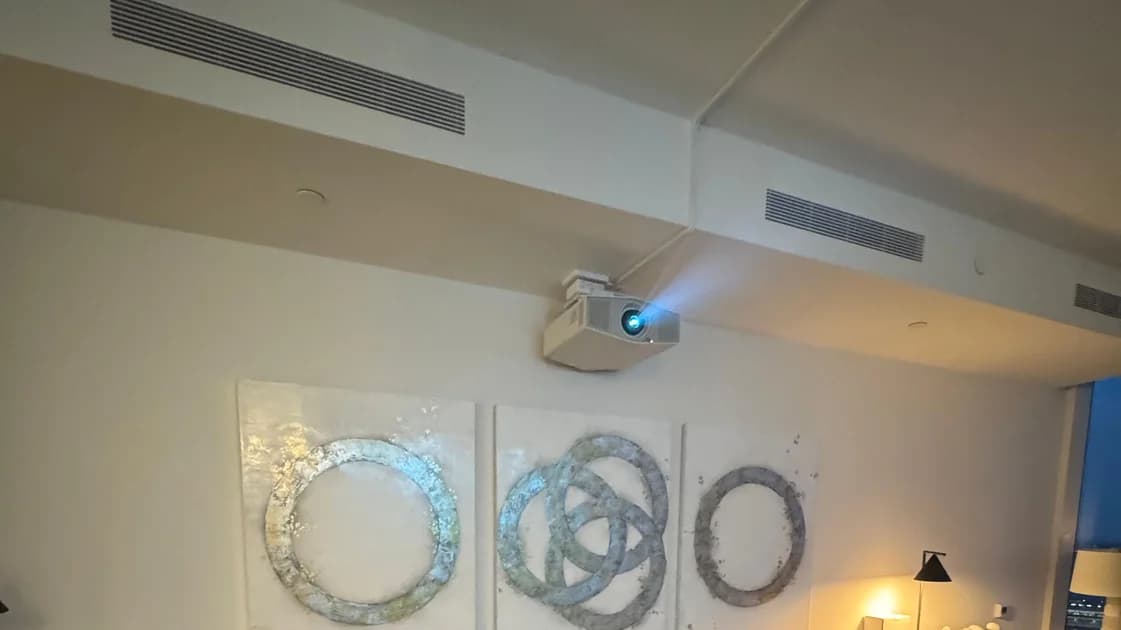

Owners on Reddit pick by priority: one prefers Denon for its room correction, another names Yamaha for reliability. Read what owners say ↓
What owners on Reddit say
"I would vote for Denon with their Audyssey room correction." — one commenter, r/hometheater (thread)
"Depends on your priorities really... If reliability is paramount for you, then Yamaha seems to be the king" — one commenter, r/hometheater (thread)
Owners pick a receiver for different reasons: room correction for some, a long service life for others.
Do you need one? If you want real surround sound — speakers placed around the room — then yes. If a single soundbar under the TV is enough for you, then no.
This guide keeps it simple: what a receiver does, how it's different from a plain amplifier, what "5.1" and "7.1.4" mean, and how to pick the right one for a NYC apartment. No spec-sheet decoder ring required.
Rather skip the shopping? We design and install complete systems through our home theater installation service (custom builds from $10,000). Book a consultation or call (646) 912-5050 and we'll talk it through.
On this page
What an AV receiver actually does
Think of it as a traffic cop and an engine in one box. It has four jobs:
- Picks the source. Streaming box, game console, cable box — they all plug in, and the receiver chooses which one plays. One remote, no reaching behind the TV.
- Reads the sound. Movies store their sound in formats like Dolby Atmos. The receiver reads that and sends each sound to the right speaker — including the ones overhead.
- Powers the speakers. The sound signal is far too weak on its own. The receiver boosts it enough to fill the room.
- Passes the picture. It sends video straight to your TV, in full quality.
Without a receiver you'd need three separate boxes to do all that. The receiver rolls them into one — which is why almost every home theater starts here.
Receiver vs. amplifier (the question everyone asks)
Quick and clear:
- An amplifier does one thing: makes the sound loud enough to drive speakers. It doesn't switch sources, doesn't decode surround sound, and doesn't touch video. Great for a simple two-speaker music setup — but on its own it can't run a home theater.
- An AV receiver is an amplifier plus the brain plus the source-switcher, all in one box. For almost every home, this is the right call: simpler, cheaper, less clutter.
There's a fancier option called "separates" — a standalone brain box paired with separate power amps. It sounds a touch better and you can upgrade one piece at a time, but it costs more, runs hotter, and takes more space. It's for dedicated theater rooms. In a normal apartment, a good receiver does everything you need.
What 5.1, 7.1, and 7.1.4 mean
The code is simpler than it looks. It reads: speakers around you . subwoofer . speakers overhead.
- The first number = speakers at ear level (front, center, sides).
- The .1 = the subwoofer (the deep bass you feel in your chest).
- The last number, when there is one, = overhead speakers that make sound come from above you (Dolby Atmos).
| Setup | Speakers | Sub | Overhead | Best for |
|---|---|---|---|---|
| 2.1 | 2 (left/right) | 1 | 0 | Music, small rooms, a step above a soundbar |
| 3.1 | 3 (adds center) | 1 | 0 | Clear dialogue for TV and movies |
| 5.1 | 5 (front 3 + 2 surround) | 1 | 0 | The classic surround setup; great for most apartments |
| 7.1 | 7 (adds 2 rear surrounds) | 1 | 0 | Larger rooms wanting fuller surround coverage |
| 5.1.2 | 5 | 1 | 2 | Your first taste of overhead Atmos sound |
| 7.1.4 | 7 | 1 | 4 | Full immersive Dolby Atmos cinema |
The plain takeaway: 5.1 is the sweet spot for most NYC living rooms — real surround sound that fits a normal-sized space. 7.1.4 is the dream setup for a dedicated theater, with sound coming from every direction including above. The jump to overhead speakers is where movies start to feel three-dimensional — more on that in our Dolby Atmos home theater guide.
One rule to remember: your receiver has to support the setup you want. A 5.1 receiver can't run a 7.1.4 system. Plan the room first, then buy the receiver that matches.
The specs that actually matter
Spec sheets are long. Only a few things really change your experience:
- HDMI 2.1 — the newest connection. You need it for 4K gaming at high frame rates and an 8K-ready setup. Make sure there are enough of these ports for your devices.
- eARC — lets one HDMI cable carry full surround sound back from your TV's apps to the receiver. Close to essential today.
- Watts per channel (power) — bigger isn't automatically better. What matters is enough clean power for your speakers in your room. We size this to your actual space rather than chasing the biggest number.
- Room correction — a little microphone measures how sound bounces around your room and auto-adjusts. In a hard-surfaced NYC apartment, this does a lot of the work.
- 4K/8K passthrough — the receiver passes the best picture to your TV without downgrading it. Don't let the receiver be the weak link.
When you're ready to pick gear, our recommendations tool points you to current picks without you decoding every spec.
Match the receiver to your speakers and room
Receiver, speakers, and room have to work as a team.
Start with the room. Measure it, note where you sit, and decide how many speakers actually fit. A studio rarely fits seven speakers plus four in the ceiling — and that's fine. A well-tuned 5.1 in a small room beats a cramped 7.1.4 every time.
Match power to speakers. Some speakers need more power than others to reach the same volume. Aim for a receiver that drives yours comfortably, with a little headroom, so the sound stays clean at the volume you actually use.
Pick how the speakers attach. A soundbar is the simplest path and pairs perfectly with a wall-mounted TV — see our TV mounting service and soundbar mounting service, or read how to mount a soundbar. A full multi-speaker system needs more planning — we cover that in how a custom home theater project works.
Where to put it (heat is the silent killer)
Here's what people forget: a receiver runs hot. It's an amplifier, and amplifiers turn electricity into heat. Where you put it matters as much as which one you buy.
- Give it air. A receiver sealed in a closed cabinet is the number-one cause of early failure — many will shut themselves off when they overheat. Leave open space above and behind it, or use a cabinet with real ventilation (a small fan helps).
- Keep it off carpet (it blocks the bottom vents), and away from radiators and direct sun.
- Leave room to reach the back for cables.
In a tight apartment console, plan the receiver's spot first and build around it.
Setup checklist (in order)
- Plan the cables first. Map every speaker and source, then route the cables cleanly before anything gets mounted or boxed in. Doing this last is how cables end up dangling.
- Connect everything. Plug each source in, then wire each speaker to its correct, labeled spot. (A swapped surround pair is a surprisingly common mistake.)
- Place the speakers. Front and center at ear level, surrounds angled toward the couch, overhead speakers per the Atmos layout for your room.
- Run room correction. Put the little mic where you actually sit and let the receiver measure. From the seat — not next to the receiver.
- Set sizes and distances. Tell the receiver how far each speaker is and let the subwoofer handle the deep bass. This is what makes voices come from the center and effects move smoothly.
- Test with real content. Play a movie you know and a song you know well. Tune the subwoofer so the bass supports the scene without booming.
- Label it. Note which input is which and save the setup. Future-you says thanks.
If that sounds like a weekend you'd rather not spend, this is exactly what we handle — including professional tuning — through our home theater installation service.
NYC apartment notes
City apartments add a few real-world wrinkles that suburban guides skip:
- Power. Older buildings often have limited power on a single circuit. A big receiver, a large TV, a subwoofer, and a few sources on one outlet can be more than that circuit was built for. Plan the load, use a quality surge protector, and sometimes a dedicated outlet is worth asking your building about.
- Heat. Smaller, less-ventilated rooms plus a hot receiver in a closed console make the room warmer — and shorten the receiver's life. Airflow isn't optional here.
- Space. Floor space is precious. Compact 5.1 setups, in-ceiling speakers, and a wall-mounted TV earn their keep.
- Noise through walls. Shared walls mean bass travels. Good subwoofer placement and room correction keep the boom in your room, not your neighbor's.
We design every NYC system around these constraints from the start. Want a setup that sounds incredible and fits apartment life? Book a consultation or call (646) 912-5050. Custom home theater builds start from $10,000, and we'll tell you honestly what your space can support.
Frequently Asked Questions
Do I need an AV receiver for a home theater?
For real surround sound, yes — the receiver switches your sources, reads the surround sound, powers multiple speakers, and sends video to your TV. The one exception is a soundbar setup, where the bar handles its own sound. That's a great simpler option — just not the same as a full multi-speaker system.
What's the difference between a receiver and an amplifier?
An amplifier only makes sound loud enough to drive speakers. A receiver does that and switches between sources, decodes surround formats, tunes itself to your room, and passes video to your TV. A receiver is an amplifier plus a brain plus a switcher in one box — which is why most home theaters start with a receiver.
How many channels do I need — 5.1, 7.1, or 7.1.4?
For most NYC apartments, 5.1 is the sweet spot — real surround that fits a normal room. Go 7.1 if you have a bigger space and want fuller rear sound. Save 7.1.4 for a dedicated theater where you can add overhead speakers. Plan the room first, then buy a receiver that supports it.
What does the ".4" in 7.1.4 mean?
It's the number of overhead speakers that make sound come from above you. So 7.1.4 means seven speakers around you, one subwoofer, and four overhead. Those overhead channels are what make rain, helicopters, and ambience feel like they're all around you — not just in front.
Why does my receiver get so hot, and does it matter?
It matters a lot. Receivers contain amplifiers, and amplifiers turn real electricity into heat. Crammed into a sealed cabinet, a receiver can overheat, shut itself off, or fail early. Give it open airflow above and behind, keep it off carpet and away from radiators, and use a ventilated cabinet if it has to be enclosed — especially in a small, warm apartment.
Can you handle the whole installation for me?
Yes. We design, install, wire, and professionally tune complete systems through our home theater installation service, with custom builds from $10,000. Your final price depends on the equipment, speaker layout, and the work your space requires — we'll walk you through it before anything is booked. Start your consultation or call (646) 912-5050.