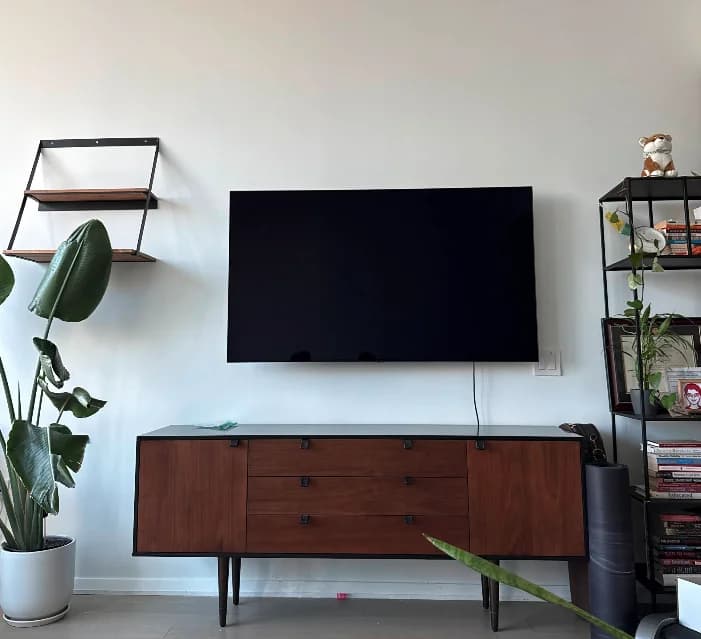
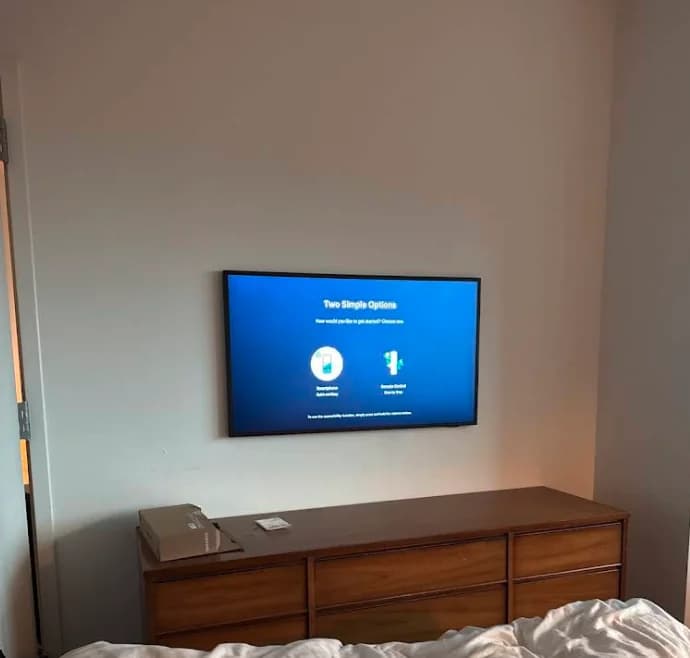
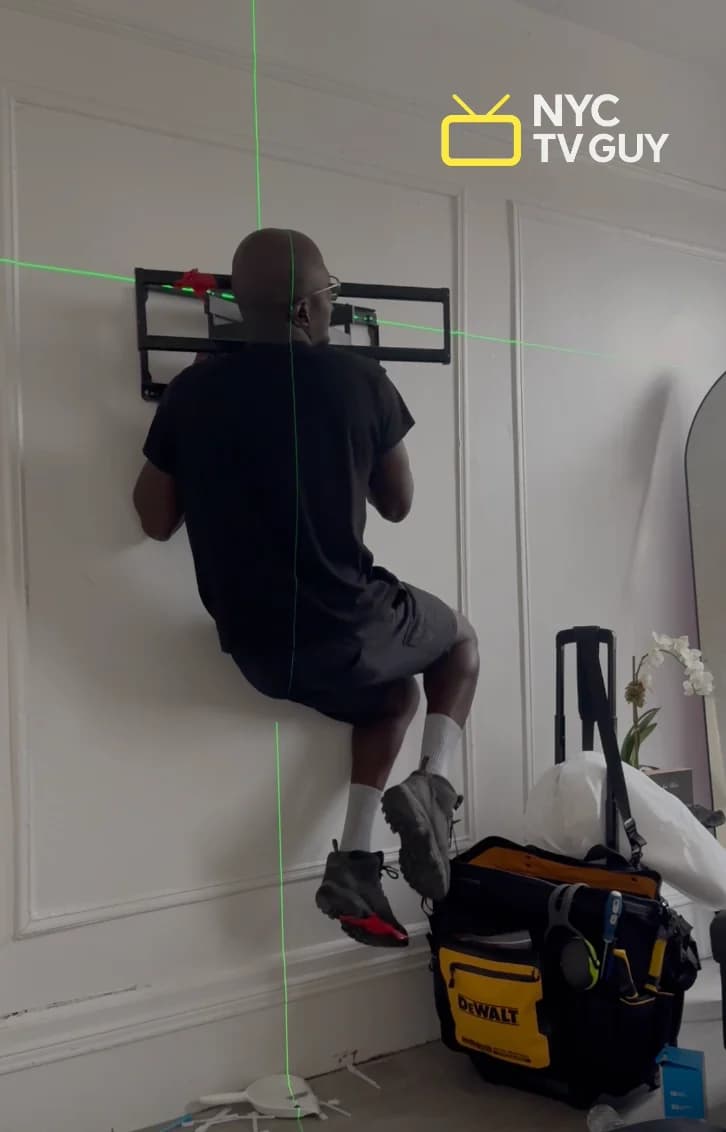
Mounting a TV on the wall is one of the best upgrades you can make to a room. It cleans up the space, loses the TV stand, and puts the screen exactly where you want it.
Is this for you? Anyone thinking about wall-mounting a TV — in a NYC apartment or anywhere else — who wants to know what they're getting into before they start drilling.
This guide walks you through every step: picking the right mount, reading your wall type, finding studs, setting the height, and hiding the cables.
The short answer
- Standard drywall into wood studs: doable as a DIY project.
- Plaster, concrete, brick, in-wall wiring, or heavy full-motion mounts: hire a professional.
- NYC walls are different — plaster and concrete need different tools and anchors than standard drywall.
- Professional mounting starts at $175 — labor only, you bring your TV and a wall bracket.
- The steps: pick your mount → check your wall → find studs → set height → hang the TV → hide cables.
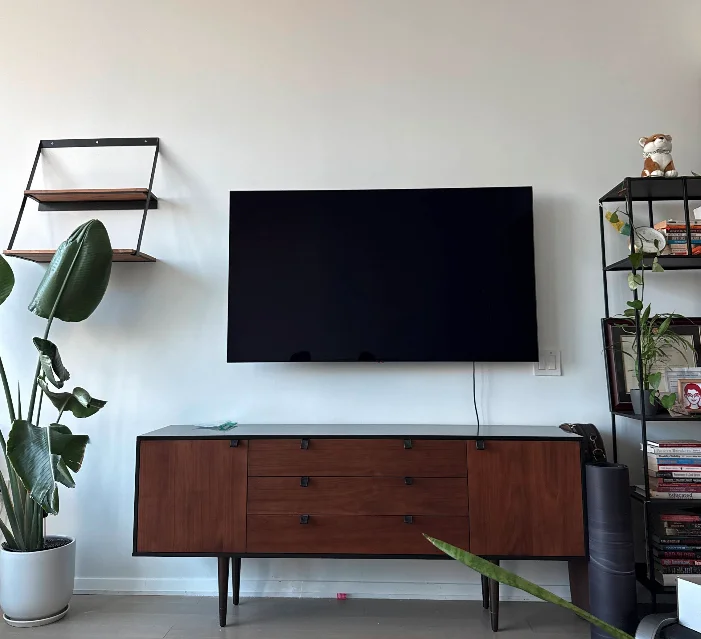
Step 1: Choose your mount type
The mount is the foundation of the whole install. There are three main types.
Fixed mounts hold the TV flat against the wall with no movement. Most secure, lowest profile, cheapest. The TV sits about ½–1.5 inches from the wall. If you sit directly across from the TV on a couch, a fixed mount is almost always the right call.
Tilting mounts let you angle the TV downward. Useful when the TV has to go higher than ideal — above a fireplace, in a bedroom, or in a room where the seating is lower than the screen.
Full-motion (articulating) mounts extend the TV out from the wall and let you swivel it in multiple directions. Most versatile, most expensive. Great for corners or rooms with seating in multiple spots. The tradeoff: the extended arm creates extra leverage, which adds stress to the wall. Don't use a full-motion mount on plaster walls — the leverage is too much.
Before you buy: Check your TV's VESA pattern — the standardized bolt-hole spacing on the back of the TV. Every mount lists which VESA patterns it supports. Buy the mount first without checking and they may not match. See our recommendations page for mounts we trust.
Step 2: Check your wall type
NYC apartments have several wall types, and each one changes the approach completely.
Drywall is the standard in modern construction — attached to wood or metal studs behind it. Easiest to mount on. A stud finder works reliably, and the mount screws directly into wood studs with lag bolts. Metal studs need snap toggles instead of lag bolts.
Plaster is found in pre-war buildings (built before roughly 1940). Looks similar to drywall but behaves completely differently. Stud finders can misread through plaster. Drilling into it without the right technique cracks the surface. If you're in a pre-war building, you almost certainly have plaster walls — DIY mounting is significantly harder here. Drill slowly, use carbide-tipped bits, and angle slightly downward.
Concrete and cinder block are common in high-rise buildings and newer construction. Requires masonry bits, a hammer drill, and concrete anchors — entirely different hardware than drywall. Read our guide on mounting a TV without studs for the full approach.
Brick is found in brownstones, lofts, and pre-war walkups. Strong and durable but also requires masonry hardware and a hammer drill.
Not sure what you have? Tap the wall. Hollow sound with slight flex = drywall. Dense solid thud = plaster or concrete.
Step 3: Find the studs (or what to do without them)
For drywall, the standard approach is mounting into studs — the vertical wood or metal framing behind the drywall.
Finding studs: Use a stud finder. Mark both edges of the stud so you know exactly where it is. Always confirm with a small test drill (1/8 inch) before committing to your mount screws — stud finders can give false positives near outlets and pipes.
The test drill approach: Start with a 1/8" bit. Hit something solid? You've found a stud. Drill goes straight through? You're in drywall alone. Always start small — this prevents making big holes in the wrong spot.
Drill bit progression: 1/8" to test → 7/32" for small drywall anchors → 1/2" for toggle anchors. Go bigger gradually.
When studs don't line up with your mount holes: Use heavy-duty toggle bolts rated for your TV's weight. For heavy TVs or full-motion mounts, always try to get into studs.
No studs at all (concrete or masonry): Use concrete anchors with a hammer drill. See our guide on mounting a TV without studs.
Step 4: Pick the right height
TV height is where most DIY installs go wrong. The instinct is to go high — it looks dramatic. But it creates neck strain for anyone watching more than 20 minutes.
The correct height: Center of the TV screen at eye level when you're seated. For most people on a standard couch, that's approximately 42–48 inches from the floor to the screen center.
To find your exact height: sit in your primary viewing spot and look straight ahead. Have someone measure from the floor to your eyes. That's your target for the TV center.
Use our TV mounting height calculator for a precise number based on your TV size and seating distance.
When you have to go higher: Fireplaces and room layouts sometimes force a higher position. If the center will be above 55 inches, use a tilting mount to angle the screen downward.
Step 5: Mount the TV
Here's the process in order:
- Attach the bracket to the TV first — put the arms or plate on the TV's VESA holes while the TV is lying on a flat surface. Much easier than doing it against the wall.
- Measure from the bracket to the bottom of the TV. This tells you exactly where the wall plate needs to go so the TV ends up at your target height.
- Mark the wall, drill pilot holes, and mount the wall plate. Use a level — a crooked bracket means a crooked TV. Drive your lag bolts (wood studs) or toggle bolts (no studs) and tighten until firm. Don't overtighten.
- Test the wall plate before hanging the TV. Grab it with both hands and pull hard. It should not move at all.
- Hang the TV on the wall plate. Two-person job — one holds the TV, one guides it onto the bracket. Confirm the locking mechanism clicks before letting go.
Aim for at least 1¼ inches of bolt penetration into the stud.
Step 6: Hide the cables
This is where a decent install becomes a finished install.
Option 1 — Cable raceways (paintable plastic channels attached to the wall surface). No cutting required. Fastest and most renter-friendly option. Our TV Mounting + Cables Covered service includes professional raceway installation — $199.
Option 2 — In-wall cable management (cables route through the wall between two wall plates — one behind the TV, one near the outlet). Nothing visible on the wall surface. Works on drywall only. Our TV Mounting + Power Bridge + Cables Hidden service handles this — $349.
Option 3 — Full in-wall outlet (a new recessed outlet installed behind the TV with all cables routed inside the wall). The cleanest possible result — nothing visible from any angle. Our TV Mounting + Power Outlet + Cable in Wall service — $599.
Check our recommendations page for the raceway we use.
Common mistakes to avoid
Not testing with a small drill bit first. The most common mistake — drilling a big hole, then realizing you missed the stud. Always start with a 1/8" test hole.
Using the wrong anchor for the wall type. Drywall anchors in plaster will spin. Regular screws in drywall without a stud won't hold. Match the anchor to the wall AND the TV weight.
Not checking level. A bracket that's one degree off is barely noticeable until the TV goes on. Then everyone sees it. Check level before you tighten, and check again after.
Mounting too high. The most common regret. Sit down, measure your eye level, and trust the number even if the height looks low from a standing position.
Forgetting to route cables before hanging the TV. Cable management is much easier when the wall is accessible. Plan the wiring before the TV goes up.
When to hire a professional
DIY mounting is doable when: it's a flat or tilting mount, the TV is under 65 inches, the wall is drywall into wood studs, and you're using raceway cable management.
Hire a professional when:
- You have plaster walls — they crack, and stud finders give unreliable readings
- You have concrete or brick — requires specialized tools and technique
- You want in-wall cable routing — requires cutting drywall and electrical work
- You're mounting a heavy TV (75"+) on a full-motion mount — precision is critical
- You're not sure — a TV falling off a wall is a real risk
If your building requires a Certificate of Insurance (COI) for work in your unit, we provide one. We carry general liability and umbrella insurance.
Our TV mounting service starts at $175 — labor only, you provide the TV and mount bracket. We can typically be there within a few days.
Frequently Asked Questions
How high should I mount my TV?
The center of the screen should be at your eye level when seated — typically 42–48 inches from the floor. Use our TV height calculator for a specific number.
Can I mount a TV without studs?
Yes — but you need the right hardware. Heavy-duty toggle bolts handle most TVs on drywall without studs. For concrete or masonry, use concrete anchors with a hammer drill. For heavy TVs or full-motion mounts, always try to get into studs. Read our full guide on mounting a TV without studs.
How do I hide the TV cables?
Three options: surface raceways ($199 with our cables covered service), in-wall cable plates ($349 with our power bridge service), or a full in-wall outlet ($599 with our in-wall service).
How much does professional TV mounting cost in NYC?
Standard TV mounting starts at $175 for labor — you provide your own TV and mount bracket. Cable concealment adds to the cost depending on the method. See our complete NYC TV mounting cost guide for a full breakdown.
Wall mounting a TV well takes preparation, the right hardware, and patience. The result — a clean, secure TV at the right height with no visible cables — is worth doing right. If something doesn't feel right at any point, stop. The wall isn't going anywhere. Neither are we — book a mount and we'll take it from here.