On this page
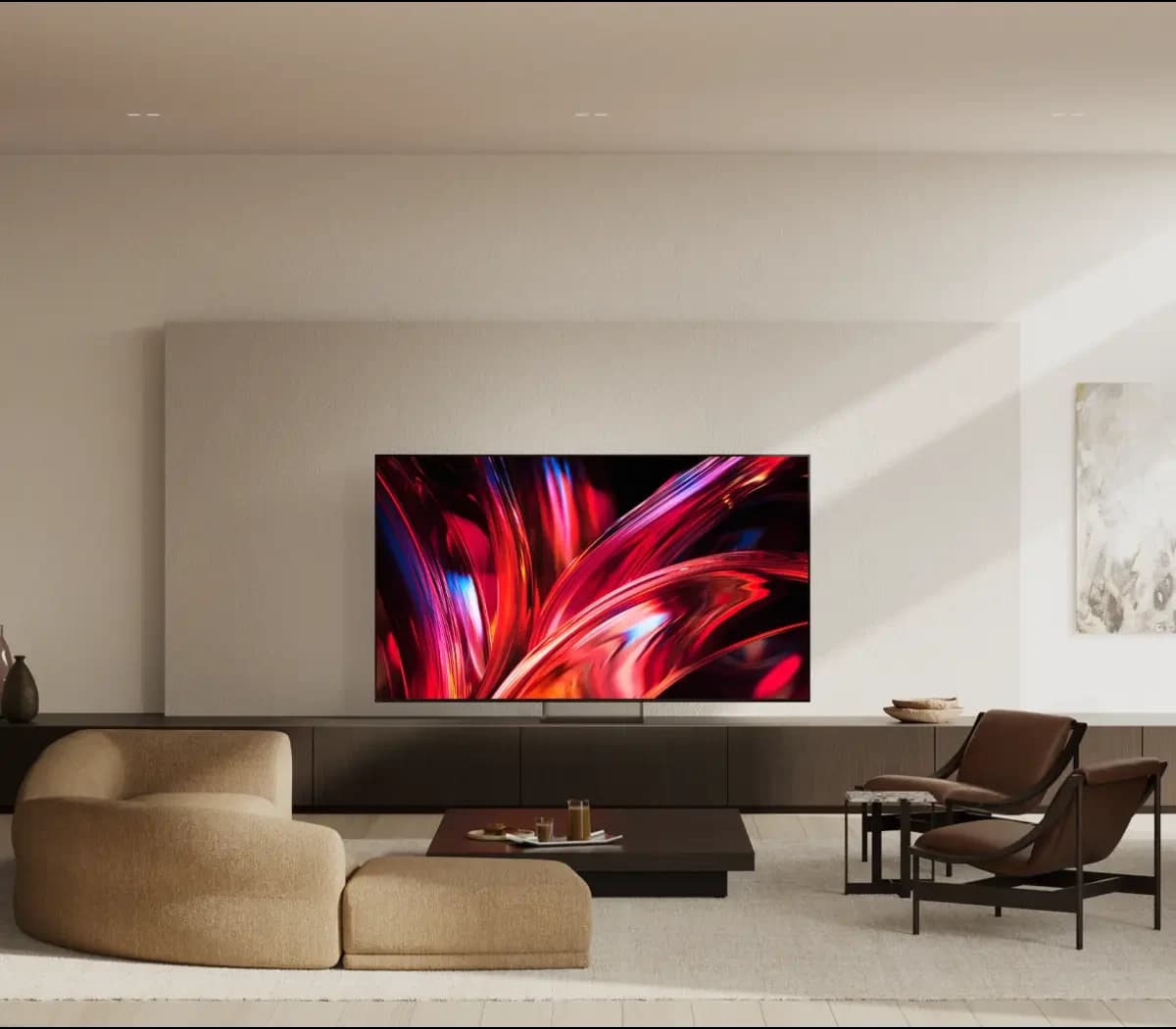
Choose the Sony BRAVIA 9 II for a sunny room and long hours of sports. Choose the LG G6 for wide seating, the deepest black and a TV that sits flat on the wall.
What owners on Reddit say
For the BRAVIA 9 II
"If sports is your thing - get the B9II and don't look back. I got mine last week and have been staggered watching World Cup. Just incredible. Don't see how there's anything better." — one owner, r/4kTV (thread)
"The Bravia 9ii is the king of bright room tv's atm." — one commenter, r/LGOLED (thread)
"I'm not even gonna lie, the Bravia 9 ii is my favorite TV I've ever owned." — one owner, r/bravia (thread)
"Get the Sony. I switched to an LG from a Sony and hate it and wish I spent the extra money on a Bravia 9 ir 9ii" — one owner, r/4kTV (thread)
For the LG G6
"I have the G5 and it's just works and looks very good." — one G5 owner, r/LGOLED (thread)
"the off axis viewing on RGB LED is just not as good as OLED that it made my choice." — one buyer, r/LGOLED (thread)
"Man that flush mount on the G series should be the deciding factor alone." — one commenter, r/LGOLED (thread)
Both camps love their TV. They just have different rooms, and different things they will not give up.
What that means on a New York wall
Two different kinds of TV
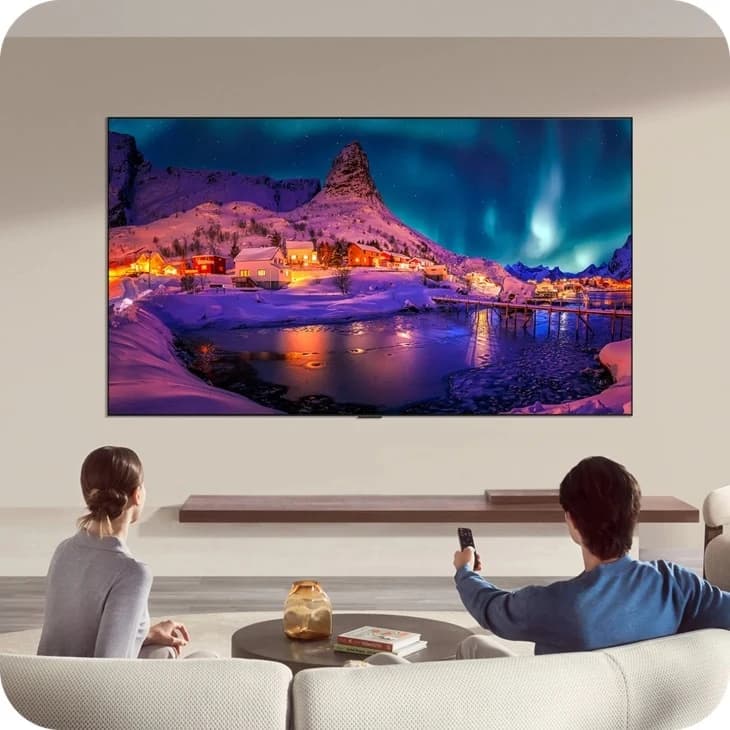
- LG G6: an OLED. Each pixel makes its own light, so black is truly black. It is LG's 2026 flagship.
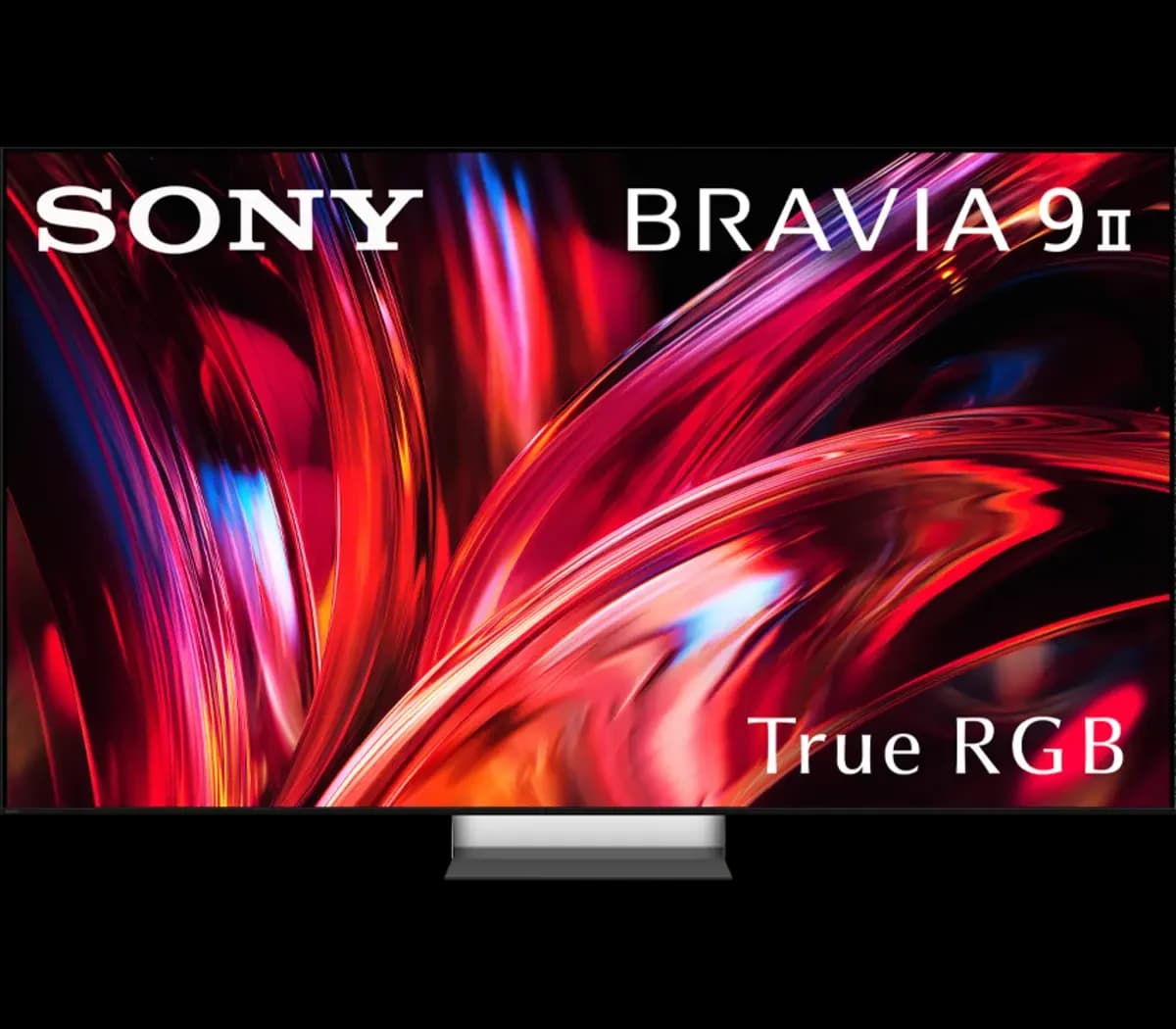
- Sony BRAVIA 9 II: True RGB. Sony's spec table lists an LCD screen with an RGB LED backlight. Sony calls this True RGB: separate red, green and blue LEDs behind the screen. Sony says this keeps color accurate at high brightness.
Neither is better everywhere. Your room decides.
The bright room
This is the question owners ask most.
A big window across from the TV is the classic New York problem. The afternoon light hits the screen, and the film turns into a mirror.
- BRAVIA 9 II. Sony built its anti-glare screen for bright living rooms. Reflections of lamps and windows barely show on it.
- LG G6. LG gave the G6 an anti-reflection screen to cut glare. It holds up well in a bright room. It is still a glossier screen, so a window straight across from it will show more than on the Sony.
- Full bright scenes. The BRAVIA 9 II keeps its brightness across a full white screen. An OLED has to dim when most of the screen is bright, like a sunny sports field.
The BRAVIA's matte screen has a cost too. It can look a little grey when the TV is off. One owner above felt it dulls the black a touch.
One size changes the answer. Sony makes the 115-inch BRAVIA 9 II without its anti-glare screen. In a sunny room, that size loses the main thing the 9 II has over the G6.
If the sun lands on the screen while you watch, the BRAVIA has the edge. If the room is bright but the sun stays off the screen, the G6 holds up well.
Sports and everyday TV
Sports is where the BRAVIA shines.
- Score bars and channel logos sit still for hours. The BRAVIA is an LCD, so it is not at risk of burn-in.
- Sony's Voice Zoom 3 lifts voices, so the commentary is easier to follow.
- In the brightest picture modes, bright jerseys can look a little too strong. A calmer picture mode fixes that.
On an OLED like the G6, burn-in is a real risk with static images left on screen for long periods. It matters for all-day sports and news. It matters far less for films and shows. LG says its OLED care tools, such as Pixel Refresher, help protect against burn-in. That lowers the risk. It is not a promise.
Side seats and dark rooms
If your sofa wraps around the room, this matters.
An OLED like the G6 holds its color and contrast better from the side. Sony says its X-Wide Angle Pro keeps color and contrast consistent from almost any seat. It helps, but the OLED still wins off to the side.
In a dark room, a faint glow can show around bright objects on the BRAVIA, such as white titles on black. It is easiest to see from an angle. The G6 has none, because each pixel switches off on its own.
Gaming
Both TVs play console games smoothly.
- LG G6. LG lists support for up to 165Hz. That helps most with a gaming PC.
- BRAVIA 9 II. Sony lists a native 120Hz, which covers what a current console sends.
On an OLED, mix up your games. A health bar or map left in one spot for hours is the kind of image that can cause burn-in.
Sound
- BRAVIA 9 II. Sony lists 8 speakers and 80 W, with up-firing Beam Tweeters on every size except the 115-inch.
- LG G6. The built-in sound is modest for a TV of this class. A soundbar such as the Sonos Arc Ultra is a good match for it.
On the wall: flush mount or bracket
This is where the two TVs differ most for an apartment.
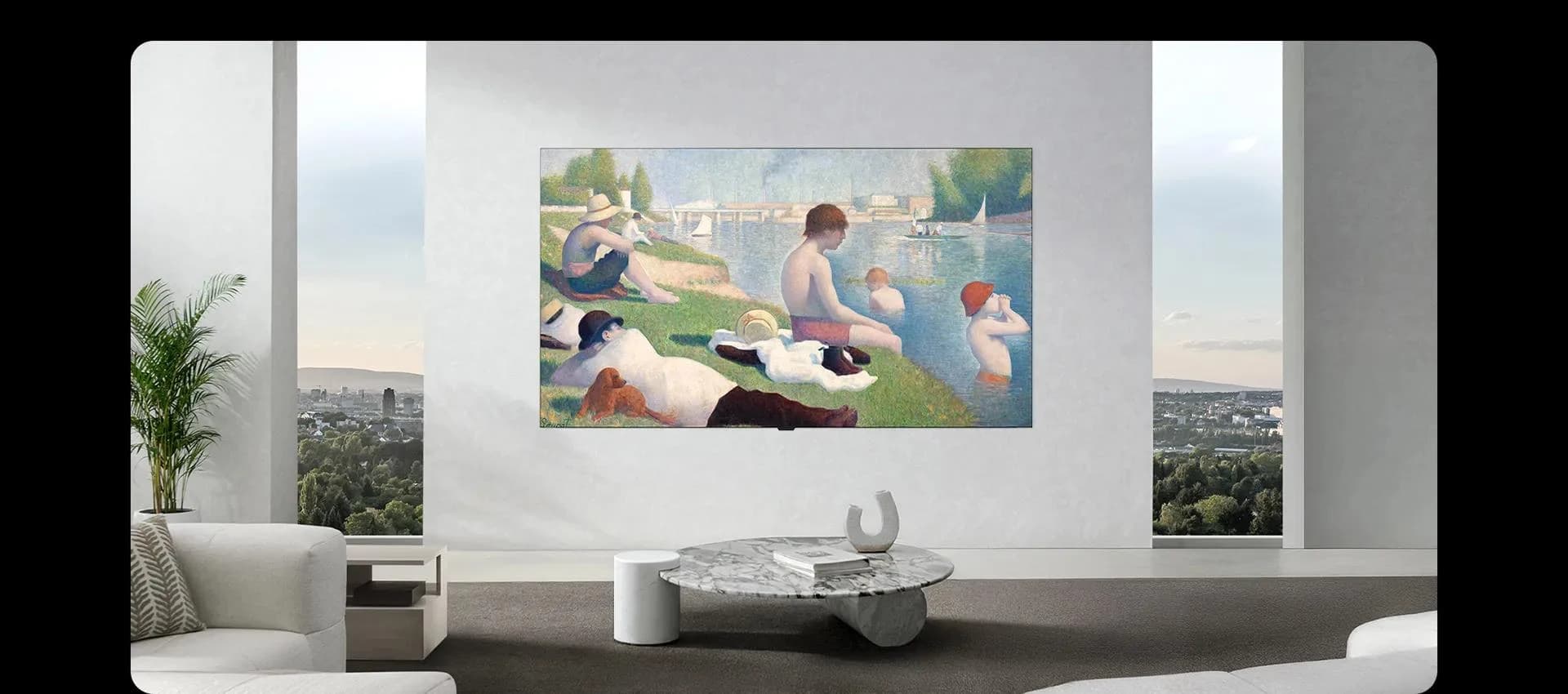
- LG G6. A flush wall mount comes in the box. The stand does not. It sits about 1 inch from the wall. The 77-inch weighs about 73 lb and the 83-inch about 82 lb without a stand.
- BRAVIA 9 II. A stand comes in the box. Sony lists the wall bracket as an optional accessory, so we bring mounting hardware for your wall type. A backlit TV like the BRAVIA is thicker and heavier than an OLED. The 85-inch weighs about 106 lb without its stand.
- Sony's Mirage stand. Sony gives the 9 II its clear Mirage stand on every size except the 115-inch. It suits a TV on a console rather than the wall.
Either way, we hide the cables.
Some New York walls have metal studs. We plan the hardware for the wall you have.
Size
Use LG's rule: measure from your seat to the screen in inches and divide by 1.2. Sony's rule for 4K is about 1.5 times the screen height.
For 83 inches and up, measure the elevator, the stair turns and the door first.
Sizes and warranty
- LG G6: LG makes it in 55, 65, 77, 83 and 97 inches. LG backs it with its OLED Care+ 5-year limited panel warranty. Year 1 covers the panel, parts and labor. Years 2 to 5 cover the panel only, and labor is charged. LG's terms do not say whether burn-in is covered, so read them before you buy.
- BRAVIA 9 II: Sony makes it in 65, 75, 85 and 115-inch class sizes. Sony's Pro version of the 9 II carries a 3-year enhanced exchange warranty instead of the standard 1-year repair warranty.
How to choose
Pick the BRAVIA 9 II if:
- The sun lands on the screen while you watch.
- You watch hours of sports or news, and burn-in worries you.
- You want strong sound from the TV itself.
- You want a stand on a console, and like Sony's Mirage stand.
Pick the LG G6 if:
- People sit off to the side.
- You watch films in a dim room and want the deepest black.
- You want the TV flat against the wall.
- You game on a PC and want up to 165Hz.
Still torn? Tell us which way the window faces, where the sofa sits and what you watch most. We will help you choose.
Frequently Asked Questions
Is the Sony BRAVIA 9 II an OLED?
No. Sony's spec table lists an LCD screen with an RGB LED backlight, which Sony calls True RGB. None of the Sony TVs we stock is an OLED.
Which is better for a bright room, the BRAVIA 9 II or the LG G6?
The BRAVIA 9 II, if sun lands on the screen. Reflections barely show on its anti-glare screen, and it keeps its brightness across a full bright scene. The G6's anti-reflection screen holds up well in a bright room where the sun stays off the screen. The one exception is the 115-inch BRAVIA, which Sony makes without the anti-glare screen.
Which is better for sports?
The BRAVIA 9 II. It is an LCD, so it is not at risk of burn-in, and score bars left on for hours are not a worry. Sony's Voice Zoom 3 also lifts the commentary.
Which is better for gaming?
For a console, both play smoothly. The LG G6 supports up to 165Hz, which helps most with a gaming PC. The BRAVIA 9 II runs at a native 120Hz. On the G6, vary your games, because a fixed health bar or map for hours can cause burn-in.
Does the LG warranty cover burn-in?
LG backs the G6 with its OLED Care+ 5-year limited panel warranty. LG's terms do not say whether burn-in is covered, so read them before you buy. If burn-in would worry you every day, the BRAVIA 9 II is an LCD, so it is not the same risk.
Does the LG G6 come with a wall mount?
Yes. LG ships every G6 with its flush wall mount. The stand is not included. We use the supplied LG flush mount, or other compatible mounting hardware if you prefer.
Does the BRAVIA 9 II come with a wall mount?
No. A stand is in the box. Sony lists the wall bracket as an optional accessory, so we bring the mounting hardware for your wall type.
Do I need a soundbar?
With the G6, it is worth it. Its built-in sound is modest for its class, and a soundbar such as the Sonos Arc Ultra suits it. The BRAVIA 9 II has fuller built-in sound, with 8 speakers per Sony's spec, so a soundbar is more of a choice. Either TV connects to a soundbar through its eARC HDMI port. See Sonos.
What size should I get?
Measure from your seat to the screen in inches and divide by 1.2, which is LG's rule. From 8 to 9 feet, that points to about 80 to 90 inches, so the 83-inch G6 or the 85-inch BRAVIA 9 II. Owners who regret their size usually wish they had gone bigger. Check the elevator and stairs before you order a big one.
Can I buy the TV somewhere else and have you install it?
Yes. You can book the installation for a TV you already own. TV mounting starts from $175. The booking page shows your estimated total before you submit your booking request.
Your worries, answered
Choosing between these two TVs comes with a few real worries. Here is what we do about each one.
- "The sun will wash it out." Tell us which way your window faces and when you watch. We match the TV to the light in your room.
- "I will get burn-in from sports or the news." We explain how the way you watch changes the risk. If it would worry you, we point you to the BRAVIA 9 II.
- "Will it fit, and will it get up the stairs?" Send us your seat distance and the size of the elevator, stair turns and door. We check the size before you order.
- "Will it sit flat, and what about the wires?" We mount the G6 on its own flush mount, bring the right hardware for the BRAVIA and your wall, and we hide the cables.
We sell both TVs and mount them in one visit.