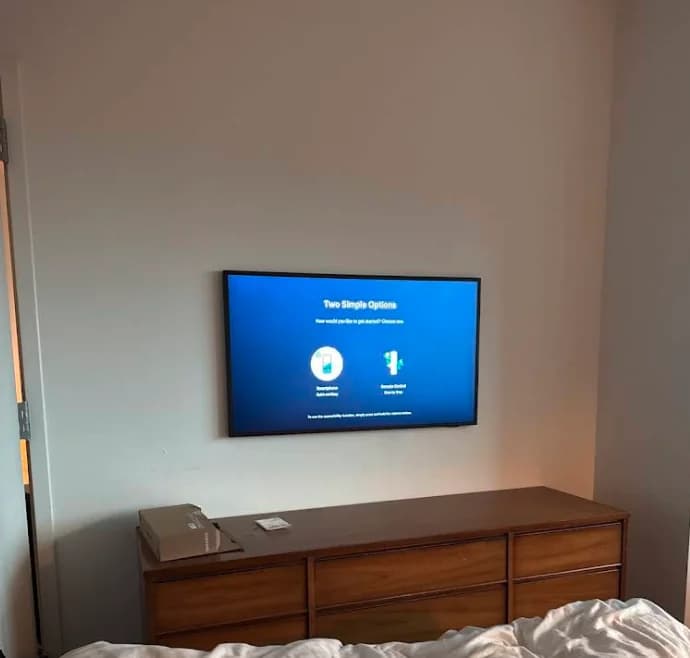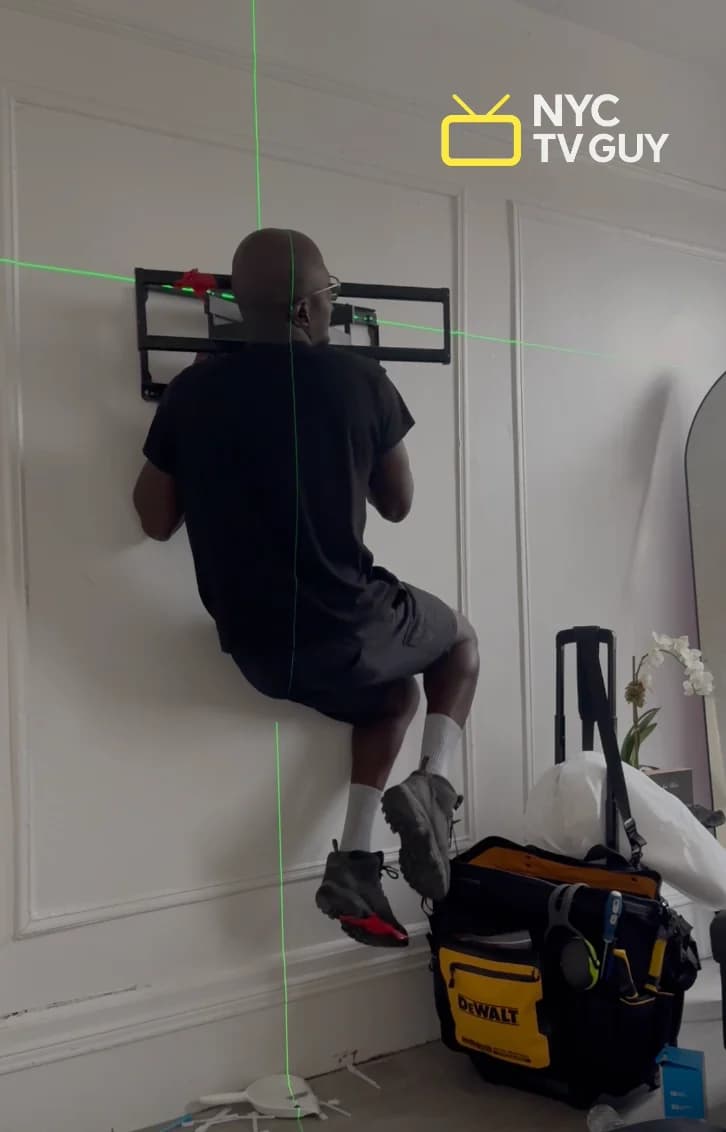
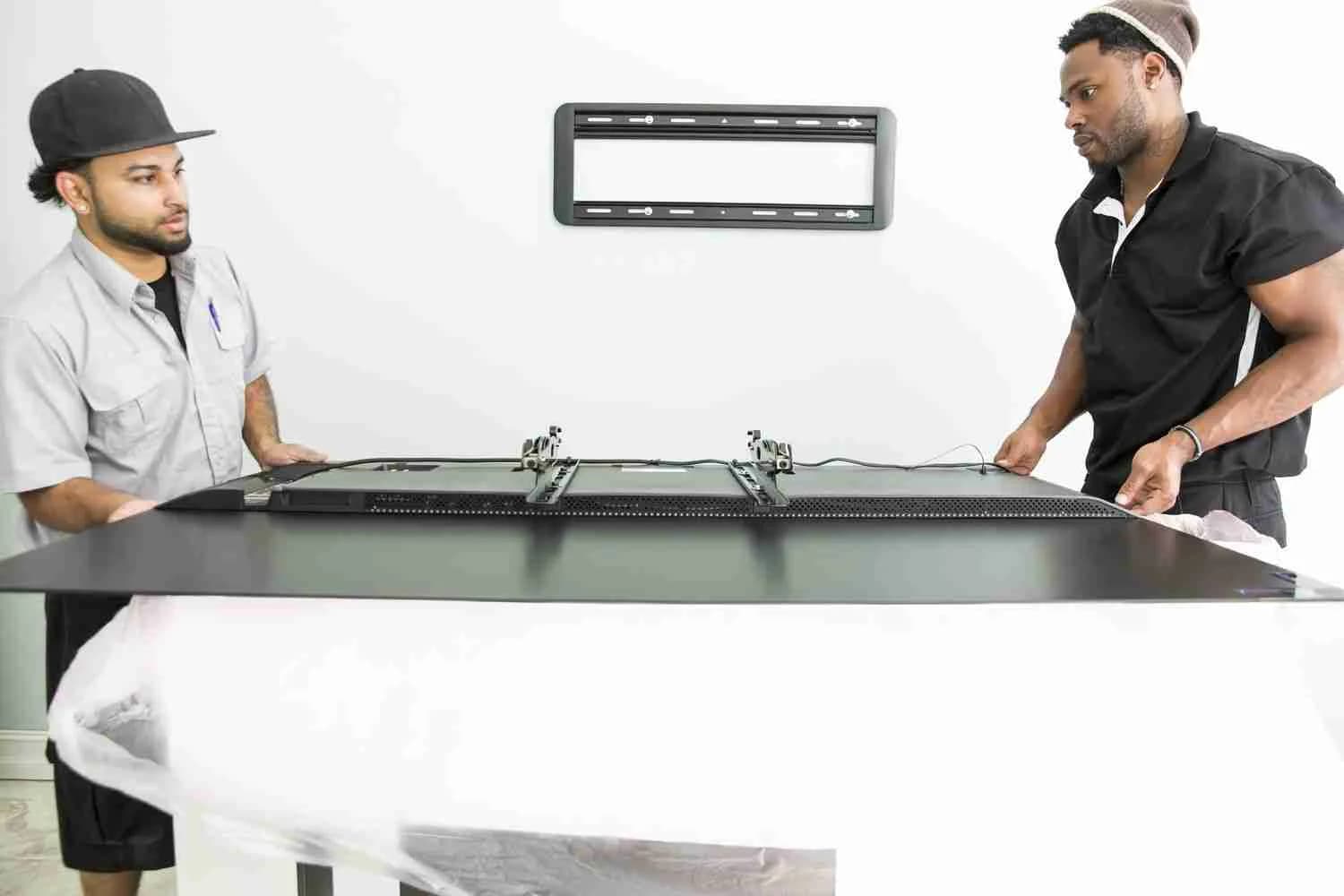
Removing a TV from a wall mount has two steps: lift the TV off the bracket, then unbolt the bracket from the wall. The TV never gets unscrewed while it's on the wall — it hooks on and lifts off.
Who's this for: Anyone moving out, redecorating, or switching to a bigger TV. Especially useful for NYC renters who need the wall to look untouched afterward.
This guide covers taking the TV down, removing the bracket, and patching the lag bolt holes so your landlord won't notice.
The short answer
- The TV lifts off — it hangs on a hook-and-slot system. Remove two safety screws at the bottom, then lift straight up. That's it.
- The bracket unbolts separately — large lag bolts driven into studs. Use a socket wrench or drill.
- The holes need patching — DryDex spackling (the pink stuff that turns white when dry) + primer + paint. Ask your super for the wall paint.
- Remounting? Add the $25 dismount option when you book and we take down the old setup and remount in one visit.
The Most Important Thing to Know
If someone is holding the TV while another person unscrews things, you're doing it wrong.
The TV doesn't get unscrewed from the wall while it's mounted. It hooks on and lifts off. You remove the safety screws at the bottom, lift the TV up and off the bracket, set it down safely — then deal with the bracket separately.
Almost every mount has two screws or latches at the bottom or back where the TV meets the bracket. Those are the only things keeping it from sliding off accidentally. Remove them, lift straight up, and it comes right off.
Step 1: Remove the TV From the Bracket
No matter what type of mount you have — fixed, tilting, or full-motion — the process is the same:
- Unplug everything — power cord, HDMI cables, all connections.
- Find and remove the two safety screws or latches at the bottom or back of where the TV meets the bracket. Every mount has them.
- Lift the TV straight up and pull it toward you. It hangs on hooks — once the safety hardware is out, it lifts off cleanly. Set it face-down on a blanket.
Pro tip: If movers are coming, they can usually handle the dismount. They may not patch the walls, but they'll get the TV off the bracket and save you a step.
Want to see it in action? These two videos walk you through the process:
Step 2: Remove the Wall Bracket
Once the TV is off, the wall plate (and arm, if you have a full-motion mount) is still on your wall. Leave it if you're remounting in the same spot. Remove it if you're patching.
- Unscrew the lag bolts holding the bracket to the studs. You'll need a socket wrench or drill — these are large bolts driven deep into the wall.
- If the bracket spans two studs, there will be two or more sets of bolts. Get all of them before pulling the plate off.
- Take a photo first if you might remount at the same spot later — the bolt locations are useful to have.
Most residential wall brackets have 4 to 6 anchor points.
Step 3: Patch the Holes (The Part That Saves Your Deposit)
This is the part that actually matters. Lag bolt holes are about ½" wide and very noticeable if left alone. Here's how to make them disappear.
The simple method:
- Use DryDex spackling — the pink stuff that turns white when dry (available at any hardware store). Don't use toothpaste or soap — they shrink and crack over time.
- Fill the hole slightly overfull with a putty knife. Wait until it turns completely white, then sand smooth with 120-grit sandpaper.
- For small screw holes: a single dab with your finger and a bit of DryDex is enough.
The cleaner method (for a perfectly flush finish):
- Use a countersink bit on each hole first. This tapers the edges into a smooth funnel — instead of a sharp-edged hole where spackling just sits on top, the countersink creates a gradual slope so the spackling settles in flush with the wall.
- Then apply DryDex. On drywall, the patch is almost invisible.
The final step — paint:
Ask your building super for the wall paint. Most buildings keep touch-up paint on hand. Apply primer first (spackling is porous — skip primer and you'll see a dull spot even after painting), then paint over it.
For plaster walls (very common in older NYC buildings), larger holes need a setting-type compound rather than spackling — it bonds better to plaster and dries harder.
Should You Remove the Mount Yourself?
For most people, yes — this is a manageable DIY job if you have a helper and basic tools.
The main risks to watch for:
- Dropping the TV — always use two people for TVs 40" and larger.
- Stripping bolt heads — use the correct hex key or socket size; don't force it.
- Damaging the bracket — if you're keeping the mount, don't yank the TV off sideways.
If your TV is 75" or larger, mounted above a fireplace (awkward height), or on a concrete wall — calling a pro is worth it. A damaged 75" TV costs far more than a service call.
What About Remounting at a New Location?
If you're remounting — same spot or a different room — book a TV mounting service and add the $25 dismount option during booking. We take down the old TV and remount at the new location in one visit.
The standalone TV dismounting service ($175) is only for when you're not remounting.
Frequently Asked Questions
Do I need a stud finder to remove a wall mount?
No — you only need a stud finder when installing a mount. Removal is just unscrewing what's already there.
Can one person remove a TV from the wall?
For TVs under 40", yes — if you're careful. For anything larger, you really need a second person to avoid dropping it.
What if the safety screw on my mount is stripped?
Use a screw extractor bit (available at any hardware store) to back it out. Don't try to pry the TV off — you'll bend the bracket or damage the VESA plate on the TV.
How do I know if my mount is fixed, tilting, or full-motion?
Tilt the TV gently. If it doesn't move at all, it's fixed. If it tilts forward and backward only, it's a tilting mount. If it swings side to side on an arm, it's full-motion.
Will removing the mount damage my wall? Will I lose my deposit?
The lag bolt holes will be there — that's unavoidable. But with DryDex spackling and a coat of paint, they're invisible. Ask your super for the paint — most buildings keep spare. Follow the patching steps above and your landlord won't notice. Plaster walls are slightly more involved to patch but still very manageable.
How much does professional dismounting cost?
The standalone TV dismounting service is $175. If you're remounting the TV at a new spot, add the $25 dismount option when booking and we handle both in one visit.
If you'd rather have someone else handle it — or if you've got a remount project in mind — check out our TV mounting service or read our full guide on how to mount a TV on the wall. We cover NYC and NJ, and the $25 dismount add-on is available with any remount booking.