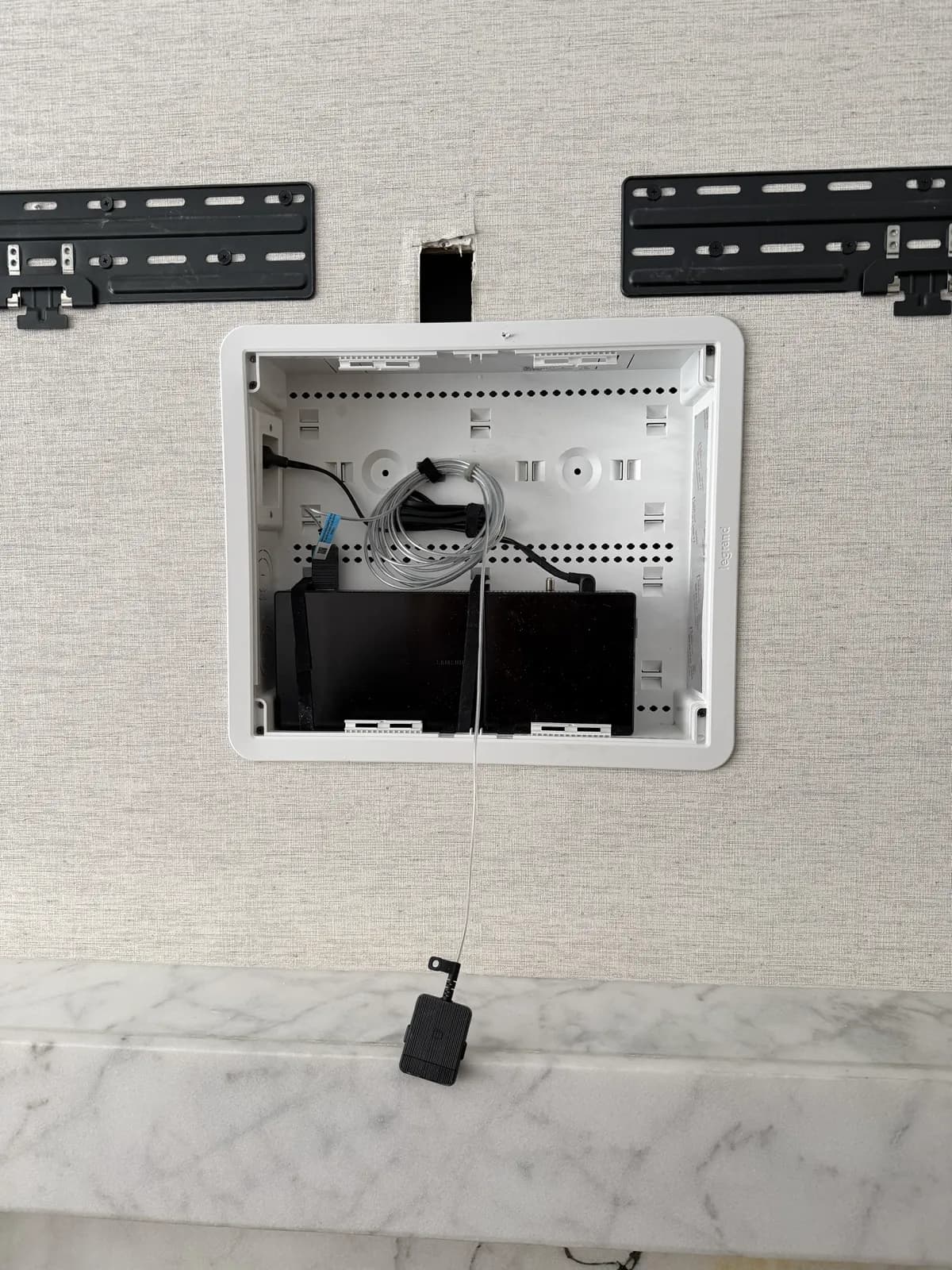
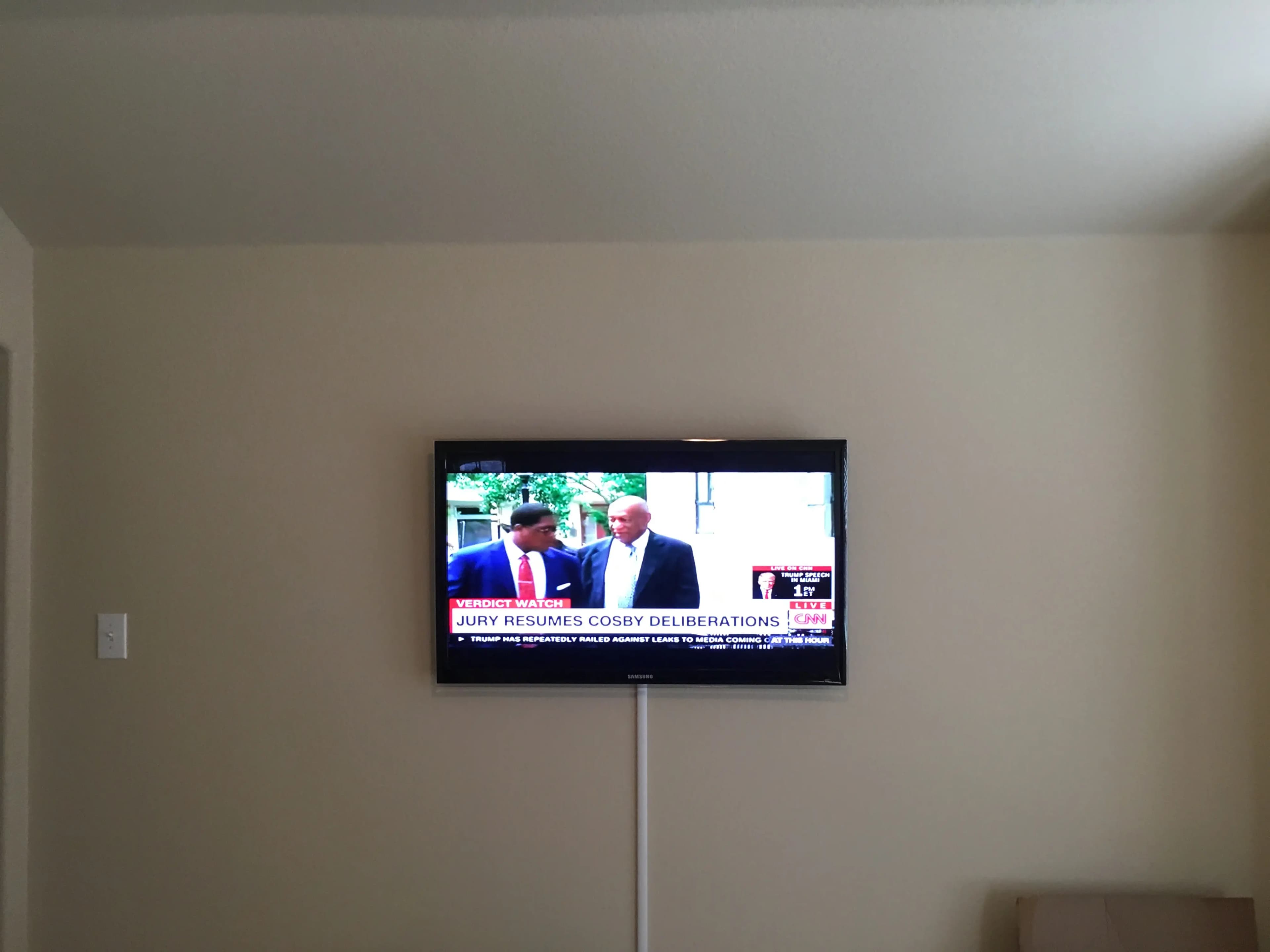
Three ways to hide TV cables after mounting: a no-drill cover strip, a fabric sleeve, or running everything fully inside the wall. Each one is right for a different situation.
Who's this for: Anyone with a wall-mounted TV and cables hanging down — renters, owners, and everyone in between.
This post breaks down each method with honest pros, cons, and costs so you can pick the right one for your walls.
The short answer
- No-drill (any wall): a paintable cable raceway sticks to the wall and covers cables in a clean line. Works on plaster, brick, concrete, and drywall. Renter-friendly.
- Easiest: a fabric sleeve bundles cables into one column — good when your media stand sits directly below the TV.
- Cleanest (drywall only): run cables fully inside the wall with a new outlet behind the TV. Completely invisible. Drywall only — not for plaster, brick, or concrete.
- Our services: Cables Covered starts at $199 (raceway, any wall). Power + Cable in Wall is $599 (drywall only). Both include the TV mount.
Method 1: Cable Raceways / Cord Covers (DIY or Pro)
A cable raceway is a plastic channel that mounts flat against your wall and hides cables inside a clean casing. No drilling required — most use peel-and-stick adhesive.
Route your cables through the channel, snap the cover closed, and run it from the TV down to your outlet or media console. It's visible up close, but it turns a tangled mess into a clean, intentional-looking line. Paintable versions blend into the wall almost completely.
This method works on any wall type — drywall, plaster, brick, concrete. It's the only option when cutting into the wall isn't possible.
Best for: Renters, anyone with plaster or brick walls, people who want a fast no-damage fix.
Pros:
- No wall damage — peel-and-stick adhesive (or screws if needed).
- Paintable versions match any wall color.
- Fully reversible — important for rentals.
- Works on every wall type.
Cons:
- Still visible up close (it's a plastic channel on your wall).
- Adhesive can fail on heavily textured walls or in humid rooms.
DIY cost: $20–$50 for a kit. Check our recommendations page for the cable raceway track we use on installs.
Pro service: Our TV Mounting + Cables Covered service includes professional raceway installation with your TV mount, starting at $199.
Method 2: Fabric Cable Sleeves ($10–$20, DIY)
A cable sleeve is a flexible fabric tube that bundles multiple cables into one wrapped column. No wall contact at all — you just slide your cables in.
The sleeve hangs from behind your TV straight down to the floor or media stand. It doesn't hide the cables from view of the wall — it organizes them into a single neat column instead of a spread-out tangle.
Best for: A media console directly below the TV, short vertical cable runs, anyone who wants zero wall contact.
Pros:
- Cheapest option — under $20.
- Zero wall damage whatsoever.
- Works with any number of cables.
Cons:
- Cables still hang visibly — organized, but not hidden.
- Only works when the TV is directly above the media stand.
- Doesn't work for cables that need to travel horizontally.
Estimated cost: $10–$20. Look for split-style sleeves that let you add or remove cables without re-threading.
If you want cables completely out of sight, Method 3 is what you need.
Method 3: Full In-Wall Wiring with Power Outlet (Pro Only, Drywall Only)
The cleanest result: cables run fully inside the wall, with a new power outlet installed directly behind the TV. Zero wires visible anywhere.
This method only works on drywall. Plaster walls (common in NYC pre-war buildings), brick, and concrete cannot be routed through. For those wall types, a cable raceway is your best option.
The power outlet behind the TV requires a proper in-wall rated power relocation kit — not just a cord shoved inside the wall. Running a regular extension cord through a wall is a fire hazard and violates electrical code. A professional handles this correctly in one visit.
Best for: Homeowners and condo owners with drywall who want a showroom-quality finish.
Pros:
- Completely invisible — no cables, no visible hardware anywhere.
- Power outlet is right behind the TV.
- Best visual impact of any wall-mounted setup.
Cons:
- Drywall only — does not work on plaster, brick, or concrete.
- Requires professional installation for the electrical portion.
Our TV Mounting + Power Outlet + Cable in Wall service includes everything — TV mount, new outlet behind the TV, and all cables hidden in the wall — for $599.
Comparison Table
| Method | Cost | Wall Types | Renter-Friendly | Result |
|---|
| Cable Raceway | $20–$50 DIY / $199 pro | Any | Yes | Clean line on wall |
| Fabric Sleeve | $10–$20 DIY | Any | Yes | Organized, not hidden |
| In-Wall + Outlet | $599 pro | Drywall only | No | Zero visible cables |
Which Method Is Right for You?
Renting? Methods 1 and 2 are your safe options. Paintable cable raceways give the best result without wall damage — peel-and-stick adhesive leaves no permanent marks if removed carefully.
Plaster, brick, or concrete walls? In-wall routing isn't possible. A cable raceway is your best option, and a well-installed paintable one looks much cleaner than you'd expect.
Drywall and want cables completely hidden? Method 3 — full in-wall wiring with a power outlet. Nothing else comes close.
TV directly above a media stand? A fabric sleeve might be all you need. Cables drop straight down behind the furniture and disappear from the viewing angle.
Frequently Asked Questions
Can I hide TV cables without cutting into the wall?
Yes — Methods 1 and 2 require zero wall cutting. Cable raceways mount with adhesive and route cables along the outside of the wall. Fabric sleeves don't mount at all. These are the right options for any wall that can't be cut, including plaster and brick.
Is in-wall cable routing safe?
Yes, when done properly. Power cables require a proper in-wall rated power relocation kit and a new outlet — running a regular extension cord through a wall is a fire hazard and violates electrical code. Our $599 service handles this the right way.
Can I hide cables on a swivel or full-motion mount?
Yes — it doesn't matter what type of mount you have. The cables just need to be long enough to move with the arm. We recommend at least 10-foot HDMI cables so there's enough slack for the full range of motion.
Can I do in-wall cable routing myself?
You can route signal cables (HDMI, ethernet) through the wall yourself if you're comfortable with drywall work. But anything involving power — which is the whole point of Method 3 — needs a licensed electrician. Our TV Mounting + Power Outlet + Cable in Wall service handles it all for $599.
What wall types work for in-wall cable routing?
Drywall only. Plaster, brick, and concrete walls cannot be routed through — the masonry is solid. For those walls, a paintable cable raceway is the right call.
Which service should I book?
If your walls are plaster, brick, or concrete — or you're renting — book Cables Covered (starts at $199, any wall). If you have drywall and want cables completely invisible, book Power + Cable in Wall ($599, drywall only). Both include your TV mount. Your final price depends on the services you choose and the distance from Midtown Manhattan — you'll see your exact total before you submit your booking request. Book an appointment →